- Your cart is empty
- Continue Shopping



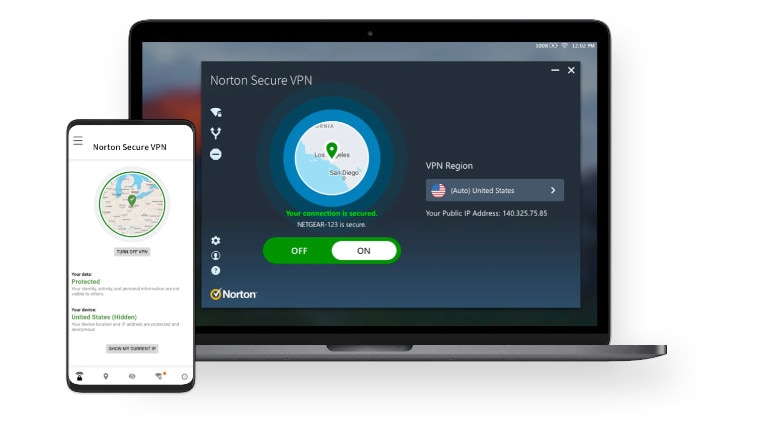
New Split Tunneling
Choose to secure and anonymize sensitive data without losing access to local services. Windows and Android only. New Kill Switch automatically disconnect from the Internet if the VPN connection is lost in order to ensure your privacy. Windows and Android only.
Key Features
- Choose which traffic you want to encrypt, like online banking or accessing sensitive healthcare data. Secure your sensitive activity, while letting other apps and services access the Internet directly.
- In the event that the VPN connection is lost, your device will automatically be disconnected. This helps ensure your IP address, location or identity are not accidentally exposed.
- Unlike some other VPNs, we don’t track, log, or save your browsing activities.
- If you connect to a Wi-Fi network that could expose your personal information, you will be alerted to secure your connection.


Reviews
There are no reviews yet.